

Why Is Your Website Not Getting Traffic? Common Problems and Practical Solutions

You have built a website, published content, and perhaps even spent time improving its design. Yet visitors are not arriving as expected. If this sounds familiar, you are not alone.
Many website owners struggle to attract consistent traffic because launching a website is only the beginning. Search engines need to discover and understand your pages, visitors need a reason to click, and your content must answer the questions people are actually asking.
The good news is that low website traffic does not always mean you need to start again. By identifying the real problem, you can make targeted improvements instead of wasting time on random SEO changes.
In this guide, we will look at the most common reasons a website gets little traffic and explain how to address them.
First, Find Out Where the Problem Starts#
Before changing your website, determine whether the problem is with search visibility, clicks, or visitor engagement.
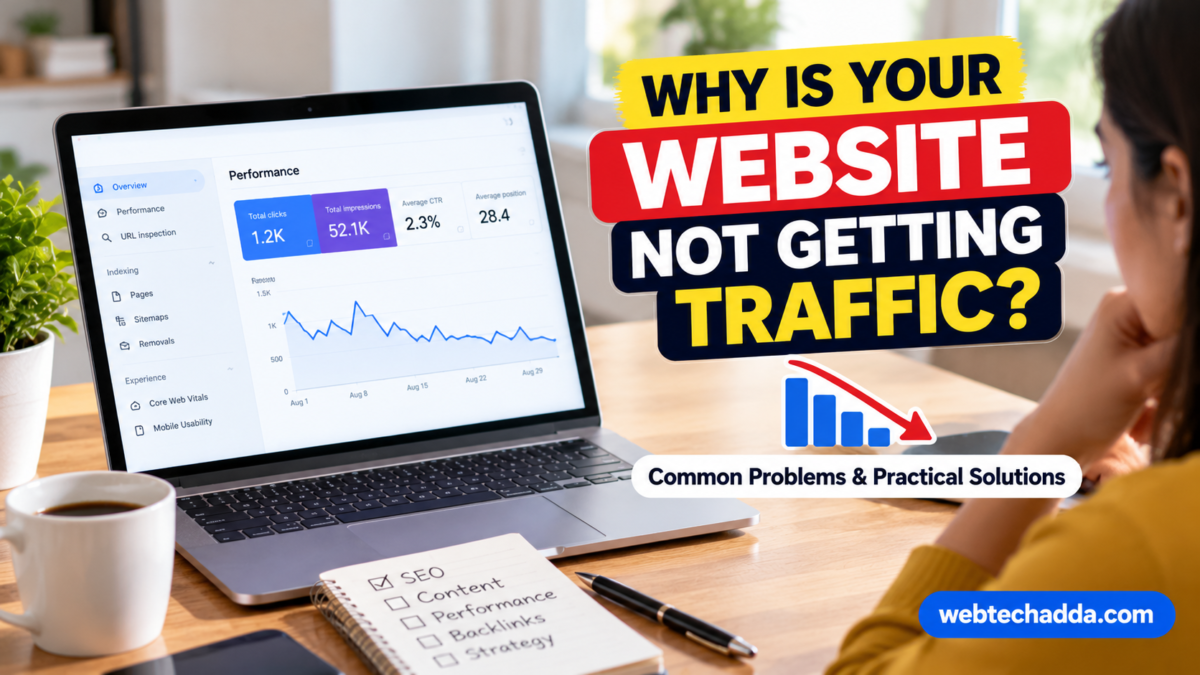
For a website that relies on Google Search, start with Google Search Console. It can help you understand which pages are indexed, which queries show your pages, how often people click, and whether technical issues are reported.
Use the information to identify the situation that best matches your website:
- Pages are not indexed: Search engines may not be able to discover or include your pages.
- Pages are indexed but receive few impressions: Your content may target topics with limited demand, face strong competition, or lack relevance for the queries you want to reach.
- Pages receive impressions but few clicks: Your title, description, search intent match, or position may need attention.
- Visitors arrive but leave without taking action: The page may not answer their needs clearly, or the user experience may be creating friction.
Each situation requires a different solution. Start with evidence rather than making every possible change at once.
1. Your Content May Not Match What People Are Searching For#
One common problem is publishing articles based on what the website owner wants to discuss rather than what the intended audience needs to know.
Imagine someone searches for “how to speed up a WordPress website.” They probably want practical instructions, diagnostic tools, and ways to improve loading performance. An article that only explains why website speed matters may not satisfy that need.
Before writing a post, ask:
- What question is the reader trying to answer?
- What information would help them take the next step?
- Does the topic require a tutorial, comparison, explanation, or product review?
- What important details are missing from existing resources?
Use search suggestions, relevant forums, customer questions, and Search Console data to understand the language people use. Then create content that answers the question directly and provides enough detail to be genuinely useful.
2. Your Website May Be Targeting Keywords That Are Too Competitive#
A new website can find it difficult to compete for broad search terms dominated by established publishers and major brands.
For example, a general keyword such as “web hosting” may be highly competitive. A more specific topic, such as choosing hosting for a small WordPress portfolio, may better match a particular audience’s needs.
Specific keywords are not automatically easy to rank for, and search volume estimates are not guarantees. Evaluate each topic by considering relevance, competition, search intent, and the value it provides your audience.
Build related articles around a clear subject rather than publishing disconnected topics simply because they appear popular.
3. Your Articles May Need More Original Value#
Search engines can discover many pages that cover similar topics. If your article simply repeats common advice without adding useful detail, readers have little reason to choose it over other resources.
Improve the value of your content by including:
- Real examples that illustrate the advice.
- Step-by-step instructions where appropriate.
- Screenshots or original visuals that clarify a process.
- Comparisons based on meaningful criteria.
- Limitations, exceptions, and common mistakes.
- Sources for important factual claims.
Do not add unnecessary words just to make an article longer. A concise article that fully answers a question can be more useful than a long post filled with repetition.
4. Your Pages May Have Technical SEO Problems#
Even useful content can struggle if search engines cannot access or understand it properly.
Check whether important pages are blocked unintentionally, return errors, redirect incorrectly, or contain conflicting canonical signals. Review your XML sitemap and make sure it includes the canonical URLs you want search engines to discover.
Google Search Console can help you investigate indexing and crawling reports. Use the URL Inspection tool to examine important pages individually.
Remember that submitting a sitemap or requesting indexing does not guarantee that a page will be indexed or ranked. Search engines make those decisions based on their systems and evaluation of the content.
5. Your Page Titles May Not Explain the Value Clearly#
The title shown in search results helps people decide which result to open. A vague title may fail to communicate what the page offers, while an exaggerated title can disappoint visitors.
Compare these examples:
Less clear: “Important Website Tips”
More specific: “How to Improve WordPress Website Speed: A Practical Guide”
The second title communicates the subject and the likely benefit. It does not promise a guaranteed ranking or an unrealistic result.
Write a distinct, descriptive title for each important page. Keep it accurate, natural, and aligned with the page content. Google may generate a different title link in search results, so a carefully written title is a helpful signal rather than a guarantee of exactly how it will appear.
6. Visitors May Be Having a Poor Experience#
If visitors struggle to read your content or find important information, they may leave without completing their task.
Review your website on both mobile and desktop devices. Look for slow-loading images, intrusive pop-ups, difficult navigation, small text, broken links, and forms that are unnecessarily complicated.
You can use PageSpeed Insights to investigate performance issues and identify opportunities to improve the experience. Prioritize changes that affect real users rather than chasing a perfect score.
A fast website is valuable, but speed alone cannot compensate for irrelevant or unhelpful content.
7. Your Internal Links May Be Too Weak#
Internal links help visitors move between related pages and help search engines discover other content on your website.
Suppose you publish a detailed guide about website speed. You could link naturally to related articles about image compression, caching, hosting, and Core Web Vitals.
Useful internal linking should:
- Connect genuinely related topics.
- Use descriptive anchor text.
- Help readers find the next useful resource.
- Make important pages accessible from relevant sections of the site.
- Avoid excessive links that interrupt the reading experience.
Do not add links simply to repeat a keyword. Every link should have a clear purpose.
8. Your Website May Lack a Consistent Content Strategy#
Publishing many unrelated articles can make it difficult to build depth in a particular subject. A focused content plan can help you develop a more coherent resource for readers.
Start with a central topic that matches your website’s purpose. Then identify related questions and organize them into a logical set of articles.
For a website about web technology, a content cluster might include:
- Website speed optimization.
- Website security basics.
- WordPress maintenance.
- Mobile-friendly design.
- Domain and hosting fundamentals.
- Website troubleshooting.
Link these pages where useful, and keep the information updated when products, standards, or recommendations change.
Consistency matters more than publishing a large number of low-value articles in a short period.
9. You May Not Be Updating Important Older Pages#
Not every article needs frequent changes. However, posts about software versions, product comparisons, pricing, security guidance, and fast-changing technologies can become outdated.
Use analytics and Search Console data to identify older pages that still receive impressions or clicks but may no longer meet readers’ needs.
Update the sections that have genuinely changed. Verify facts, replace obsolete screenshots, fix broken links, and clarify instructions. Avoid changing a publication date without making meaningful improvements.
Some older pages may no longer be relevant. In those cases, consider whether they should be consolidated, redirected to a suitable replacement, or left available for historical reference.
10. You May Expect Results Too Quickly#
Search visibility can take time to develop, especially for a new website or a topic with strong competition. Publishing an article does not mean it will immediately appear prominently in search results.
Instead of checking rankings repeatedly throughout the day, review progress over meaningful periods. Track impressions, clicks, indexed pages, and engagement on your important content.
Look for patterns across several pages rather than making a major decision based on one day’s performance. Seasonal demand, search-result changes, and competition can all influence traffic.
A Practical 30-Day Website Traffic Improvement Plan#
You do not need to fix everything in one day. Use the following plan to focus your effort.
Week 1 — Diagnose
Review Search Console, check indexing, identify your most important pages, and investigate any major technical problems.
Week 2 — Improve existing content
Choose a small group of relevant pages. Improve their usefulness, clarify titles, add missing information, and fix broken links.
Week 3 — Strengthen the website structure
Add relevant internal links, improve navigation, and organize related content into clear topic groups.
Week 4 — Measure and prioritize
Compare performance with your earlier baseline. Identify which changes appear helpful and decide what to improve next.
This is a practical starting point, not a promise that traffic will increase within 30 days. The time required depends on your website, topic, competition, and the issues you discover.
Conclusion#
A website that receives little traffic usually needs diagnosis rather than random optimization. Start by checking indexing and search visibility, then examine keyword relevance, content quality, technical SEO, internal links, and user experience.
Focus on the pages and problems that matter most to your audience. Make changes based on evidence, track results over time, and continue improving the information your website provides.
Sustainable traffic comes from helping the right people find useful, trustworthy content—not from chasing shortcuts or publishing more pages without a clear purpose.


