

Core Web Vitals: How to Check and Improve Your Website Performance

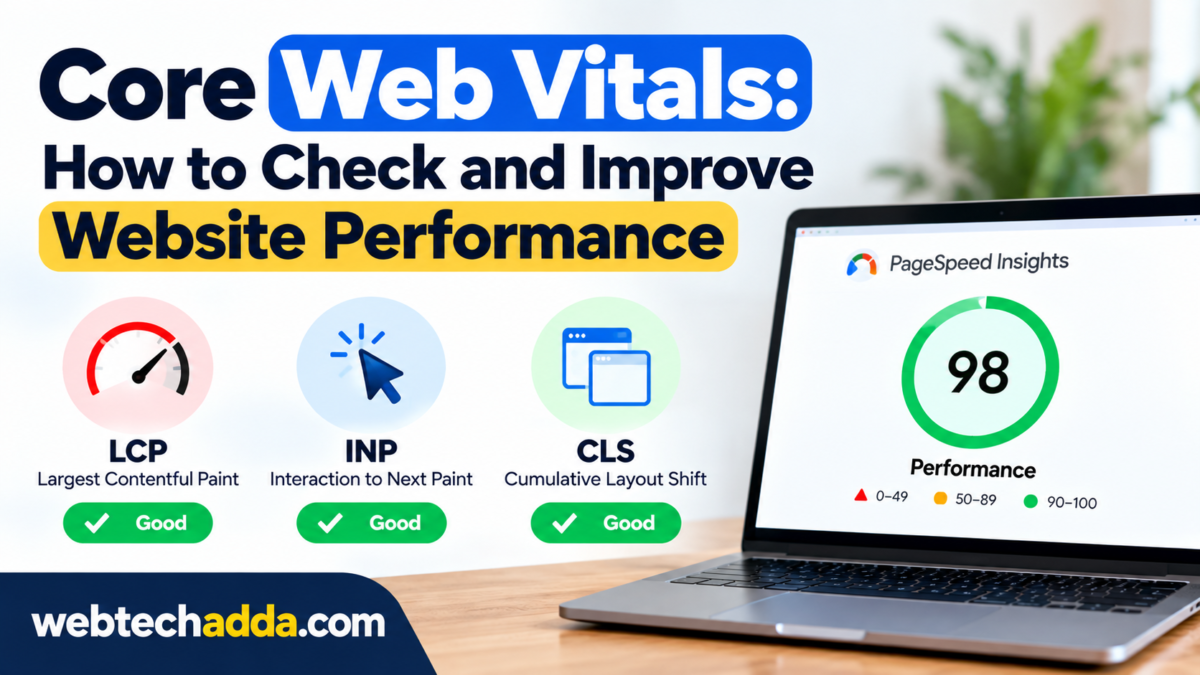
A website can look attractive and still provide a frustrating experience if pages load slowly or elements move around while users are trying to interact with them.
Website performance matters because visitors expect pages to load quickly and respond smoothly.
Core Web Vitals provide a useful framework for understanding important aspects of page experience.
What Are Core Web Vitals?#
Core Web Vitals are a set of performance metrics used to assess important aspects of the user experience.
They focus on areas such as:
- Loading performance
- Responsiveness
- Visual stability
The metrics and measurement methods can evolve, so website owners should rely on current documentation when evaluating their sites.
Why Website Speed Matters#
Slow websites can create several problems.
A visitor may:
- Leave before the page loads
- Abandon a form
- Stop reading
- Choose another website
Performance is particularly important for mobile users and visitors on slower connections.
How to Check Website Performance#
Website owners can use tools such as Google PageSpeed Insights and browser-based performance tools to identify potential issues.
A useful performance review should consider real-user data where available as well as controlled test results.
Common Causes of Slow Websites#
Large Images#
Images are often among the largest assets on a webpage.
Use appropriate dimensions and modern image formats where supported.
Do not upload a huge image and rely on the browser to resize it.
Too Many Plugins#
On some content-management systems, excessive plugins can add scripts and processing overhead.
Review whether every plugin is actually necessary.
Heavy JavaScript#
JavaScript can improve functionality but excessive client-side processing can slow down a page.
Remove unnecessary scripts where possible.
Third-Party Scripts#
Advertising, analytics, chat widgets, social embeds and other third-party services can add network requests and processing work.
Review whether each service provides enough value to justify its performance cost.
Improve Image Performance#
Before uploading an image:
- Resize it to an appropriate display size.
- Compress it.
- Use a suitable modern format.
- Avoid unnecessarily large files.
- Provide descriptive alternative text when appropriate.
Image optimisation is often one of the easiest performance improvements to investigate.
Improve CSS and JavaScript#
Developers can review unused CSS and JavaScript and reduce unnecessary code.
Caching and efficient asset delivery can also help.
However, optimisation should be tested carefully because removing code without understanding dependencies can break functionality.
Use Browser Caching#
Caching allows browsers and other systems to reuse resources rather than downloading everything again for every page visit.
Correct cache settings can reduce repeat-load time and server requests.
Use a CDN When Appropriate#
A content delivery network can distribute static resources through servers located closer to users.
This can be particularly useful for websites serving visitors across multiple geographic regions.
Mobile Performance Matters#
Do not optimise only for desktop.
Test the website on mobile devices and slower network conditions.
Pay attention to:
- Page loading
- Font rendering
- Image loading
- Button responsiveness
- Layout shifts
- Navigation
Final Thoughts#
Website performance is not just about achieving a perfect score in a testing tool.
The real objective is to create a website that loads efficiently, responds to interactions and provides a stable experience for real visitors.
Start with the largest problems first.
Optimise images, reduce unnecessary scripts, improve caching and test the site regularly.
A faster website is easier to use—and that is the performance goal that ultimately matters.